Field guide · Code Agent lifecycle
Code Agent Notifications on Mac: Claude Code, Codex, and Cursor
A source-backed guide to Claude Code, Codex, and Cursor lifecycle notifications on Mac—and what a completion signal does not prove.
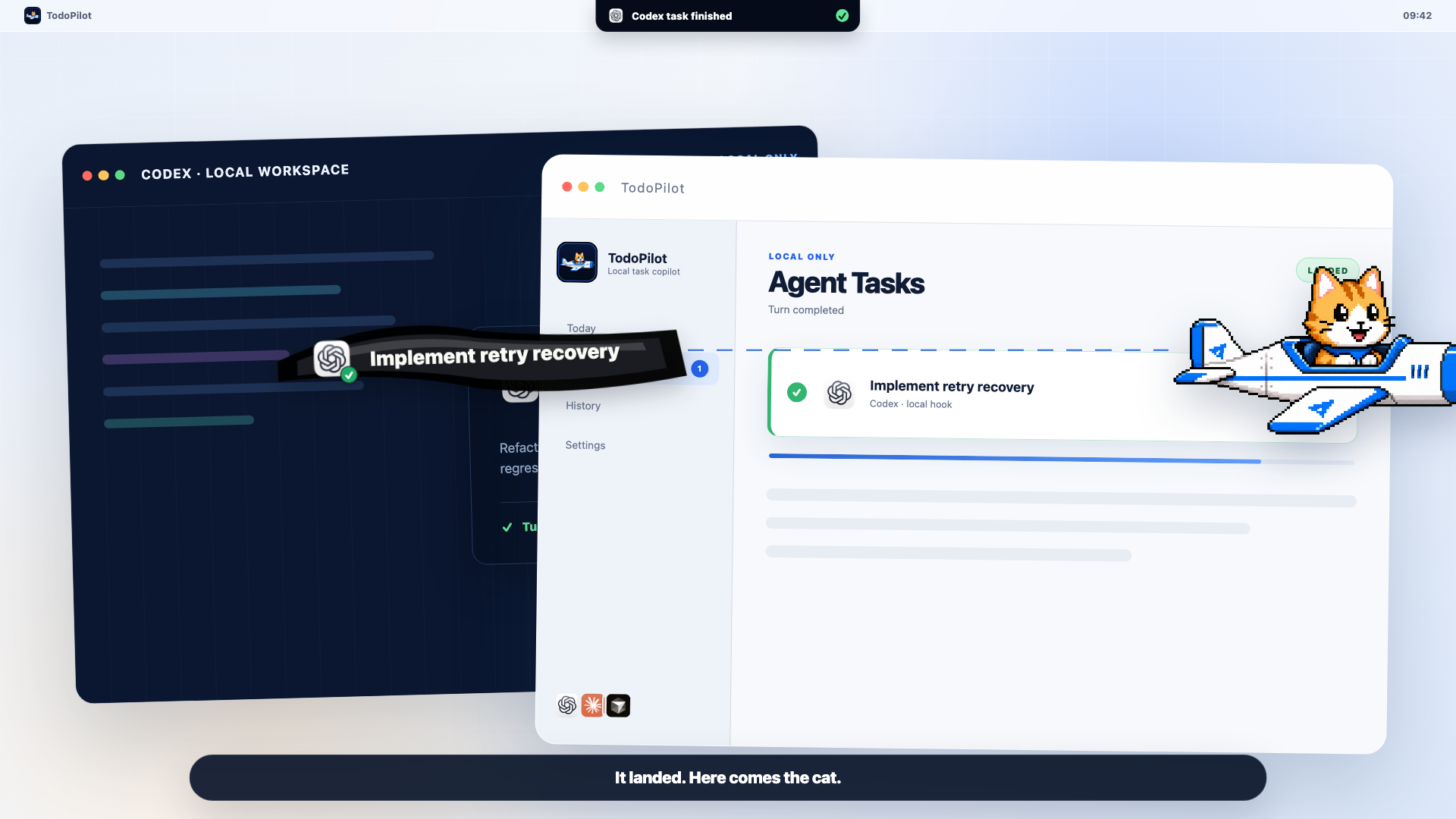
Claude Code, Codex, and Cursor can all expose useful lifecycle signals, but the signals do not mean the same thing. A safe reminder workflow preserves the provider, event, and terminal outcome instead of translating every stop into “success.”
What to know before you set it up
- Claude Code exposes distinct events for attention, response stop, API failure, subagent stop, and task completion.
- Codex external notify currently centers on agent-turn-complete; its TUI can also surface approval requests.
- Cursor exposes Agent hooks including stop, but the reported terminal status must remain distinct from business acceptance.
- A reminder layer should consume narrow lifecycle events—not scrape source code, reasoning traces, or a terminal transcript.
Read the event, not the marketing label
The official lifecycle boundaries are different
“Notify me when the Agent is done” sounds universal. It is not. Each tool exposes a different set of events, with a different granularity and payload. The useful question is: what exactly ended?
| Provider | Official signal | What it establishes | What it does not establish |
|---|---|---|---|
| Claude Code | Notification, Stop, StopFailure, SubagentStop, TaskCompleted | A specific attention, response, failure, subagent, or task event occurred. | A Stopevent alone does not certify that tests passed or the user's goal was accepted. |
| OpenAI Codex | External notify for agent-turn-complete; TUI notifications can include completion and approval requests. | A Codex turn reached its completion boundary or needs a supported form of attention. | Turn completion is not a universal process exit code or an independent verification result. |
| Cursor | Agent hooks include stop, with terminal status that can distinguish completed, aborted, and error outcomes. | The Agent loop reached a reported terminal state. | A completed response does not mean a reviewer approved the code or every requested check passed. |
That distinction is why TodoPilot keeps the provider and event origin attached to a run. It does not rename every event “success.” For a product-level view of the status island and cat flight, see the Code Agent notifications feature page.
The most important distinction
A finished turn is not the same as successful work
A lifecycle hook observes the coding tool. Acceptance belongs to your workflow. A response can end while tests are failing, while an approval is still required, after a cancellation, or after the provider returns an API error. Those are different facts and should remain different states.
Use the provider event to decide when to look. Use tests, exit status, review, and your own acceptance criteria to decide whether the work is good.
This also prevents a subtle notification failure: if every terminal event produces the same cheerful banner, people learn to distrust the banner. Honest reminders can be less celebratory, but they are more actionable.
One normalized local state machine
Map provider events into four honest reminder states
Working
The top-level run is active. Keep it visible without stealing focus.
Needs attention
A permission, question, or supported attention event needs the user.
Landed
A trustworthy terminal event arrived. The result is ready to inspect.
Failed or cancelled
Preserve the outcome and offer recovery. Never paint it green.
“Landed” is deliberately narrower than “verified.” TodoPilot can bring the result into Today List, let the cat pilot deliver the task banner, and prompt you to inspect or defer it. Your tests and review still decide whether the task closes.
Narrow integration beats surveillance
A completion reminder does not require transcript scraping
Official hooks already provide structured lifecycle boundaries. A local reminder layer can use the event type, provider, thread or run identifier, and a user-approved task label. It does not need a copy of the repository, raw chain-of-thought, full conversation, or terminal history.
- Provider identity
- Top-level run identifier
- Lifecycle state and timestamp
- User-visible task label
- Repository contents
- Full terminal transcript
- Reasoning traces
- Secrets and environment values
Before you rely on the alert
Code Agent notification checklist
- Pick the narrowest official event.Use attention events for attention and terminal events for terminal state. Do not infer one from the other.
- Test success, cancellation, and failure separately.A demo that only covers the happy path cannot validate outcome semantics.
- Keep provider identity visible.If several tools run at once, the reminder must say which tool landed.
- Choose a recovery action.Open the result now, put it in Today List, or remind again at a specific time.
- Audit the privacy boundary.Confirm that the integration passes lifecycle metadata, not source code or transcripts.
Practical answers
Frequently asked questions
Can Claude Code notify me when it finishes on Mac?
Yes. Claude Code documents lifecycle hooks including Notification, Stop, StopFailure, SubagentStop, and TaskCompleted. Choose the event that matches what you need; Stop means the main agent finished responding, while API failures use StopFailure.
Does agent-turn-complete mean a Codex task succeeded?
No. The official Codex notify event says that an agent turn completed. Treat it as a lifecycle boundary, then preserve any separate failure, cancellation, verification, or approval state your workflow knows.
Can Cursor run a script when its Agent stops?
Yes. Cursor documents Agent hooks including stop. A stop payload can describe a completed, aborted, or error state, so downstream reminders should not collapse those outcomes into one green completion.
Does TodoPilot need my repository or full terminal transcript?
No. TodoPilot’s Code Agent reminder design uses narrow local lifecycle signals. Source files, full conversations, reasoning traces, and terminal transcript scraping are outside that integration boundary.
Why use TodoPilot if the coding tool already sends notifications?
Native alerts are useful but transient. TodoPilot keeps the provider and run state visible at the top of the Mac, brings trustworthy terminal events into a local Today List, and can remind you again if the first alert arrives at a bad time.
Primary references
Official sources used for this guide
- Claude Code Hooks reference
- Claude Code Hooks guide
- OpenAI Codex advanced configuration
- Cursor Hooks documentation
- Cursor Agent best practices
Product documentation changes. We verified these boundaries on July 28, 2026 and avoid treating a lifecycle event as proof that the underlying work passed review.